/hire/devops/Almost every tech tool I have been using for the past three years has some AI feature baked into it now. It all started with ChatGPT, then Claude, and then we had an explosion of AI apps for literally every use case you can think of.
Coding agents, architecture review, research, automation, documentation, infrastructure-as-code, presentations for the board — you name it. Tools promising to make engineering teams and leadership more productive.
Some were simple “ChatGPT wrappers” while others were genuinely new products that used AI in ways that were not possible a few years ago.
The problem is that there are so many AI tools out there now that it’s hard to know which ones are actually worth your time. I have personally tested over 70 of them, and most I used once and never opened again. But there are a handful that I genuinely cannot live without at this point — especially when the audience is CEOs making strategic calls, CTOs owning architecture and delivery, and developers shipping production code.
These are the 15 AI apps that have stuck around in my daily and weekly workflow and continue to help ship things faster and better. If you are searching for the best AI tools, top AI tools, or the most popular AI tools for technical organizations in 2026, this is the list I actually use.

Cons: Usage limits on heavy work, no native image generation, price jump to Max.
Cons: Can get expensive with heavy agents, higher resource use.
Cons: Best with terminal comfort, usage tied to Claude limits.
Cons: Less agent-first than Cursor or Claude Code for some workflows.
Cons: Not a coding environment.
Cons: Experimental — features can change or disappear.
Cons: Requires more technical ownership.
Cons: Still needs human oversight for complex changes.
Cons: Not a full coding agent by itself.


What is an AI app?
An AI app is any AI application that uses artificial intelligence, typically from large language models (LLMs), to help you get work done. This kind of AI software goes beyond traditional tools by being able to understand context, generate content, make decisions, and automate tasks that would normally require a human. Some AI apps are built entirely around AI, like Claude or ChatGPT, where the AI is the product. Others are new AI tools that have used LLMs to create automations with other APIs and existing tools. There are AI applications for everything now. The AI apps on this list cover a wide range of use cases that matter to technical leadership and engineering teams: coding, architecture decisions, research, automation, documentation, code review, and executive communication. So I’m sure you’ll find something in this list that you can walk away using in just 15 minutes from now. But before we jump into the list of AI apps, let me go over how I evaluate AI tools when trying them out.How I chose the AI apps on this list
I have probably used over 70 different AI tools and AI platforms over the past couple of years. And out of all of them, these are the 15 that I find myself coming back to over and over again over the last six months — specifically through the lens of what CEOs, CTOs, and developers actually need. Some of them I use every single day. Others I use weekly depending on the project. But none of them are tools I tried once and forgot about. Here is what I look at when evaluating whether an AI tool is worth keeping around for technical organizations: These are more vibe tests. I could go over things like specific features and all the technical details. But I think that’s starting to matter less and less these days. It’s less about the tech, and more about it unlocking something I couldn’t do before — whether that’s faster delivery, better architecture decisions, cleaner code review, or clearer board-level communication. Okay, no more rambling. Let’s go over my top AI apps and AI tools right now.Quick comparison table
| Rank | Tool | Best for | Free tier | Starting paid price | Primary audience |
|---|---|---|---|---|---|
| 1 | Claude | Reasoning & architecture | Yes | $20/mo | CEO / CTO / Dev |
| 2 | Cursor | AI-native IDE | Yes | $20/mo | Developers / CTO |
| 3 | Claude Code | Terminal autonomous coding | Via Claude | $20/mo | Senior Devs / CTO |
| 4 | GitHub Copilot | Team rollout & GitHub workflows | Yes | $10/mo | CTO / Teams |
| 5 | Perplexity | Cited technical research | Yes | $20/mo | CEO / CTO / Dev |
| 6 | Google Labs | Free experimentation | Yes | Free | Everyone |
| 7 | n8n | Technical automation | Self-host | ~$20/mo | CTO / DevOps |
| 8 | CodeRabbit | AI PR review | Trial | ~$15–30/dev | CTO / Teams |
| 9 | Warp | AI terminal | Yes | ~$20/mo | Developers |
| 10 | Linear | Engineering project management | Yes | Paid higher | CTO / Managers |
| 11 | v0 | UI generation | Yes | Usage-based | Developers |
| 12 | Lovable | Prompt-to-app prototypes | Yes | Paid higher | CTO / Founders |
| 13 | Gamma | Leadership presentations | Yes | Paid higher | CEO / CTO |
| 14 | Upstaff | AI-matched remote engineer hiring | Discovery | Custom | CEO / CTO/td> |
| 15 | Sentry | AI error monitoring | Yes | Volume-based | Developers / CTO |
| 16 | Tabnine | Privacy-first code completion | Limited | ~$15/user | Enterprise CTO |
16 best AI apps and tools in 2026 (free + paid)
Here are the best AI apps and AI software for CEOs, CTOs, and developers:1. Claude
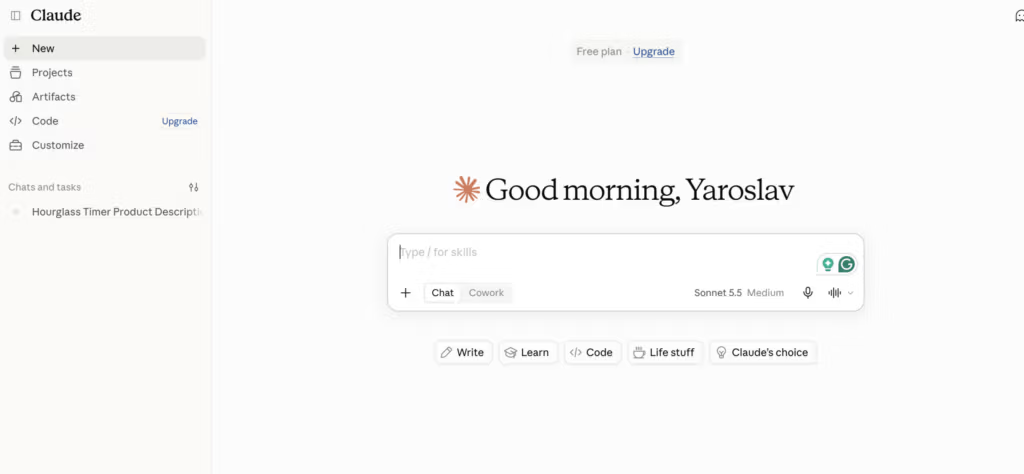
- Best for: All-around reasoning, architecture decisions, long-context analysis, and writing for technical and executive audiences
- Pricing: Free plan available, Pro starts at $20/month, Max starts at $100/month
- How I use it: Architecture reviews, writing technical strategy docs, refining board updates, deep research on system design, and pairing with Claude Code
Cons: Usage limits on heavy work, no native image generation, price jump to Max.
2. Cursor
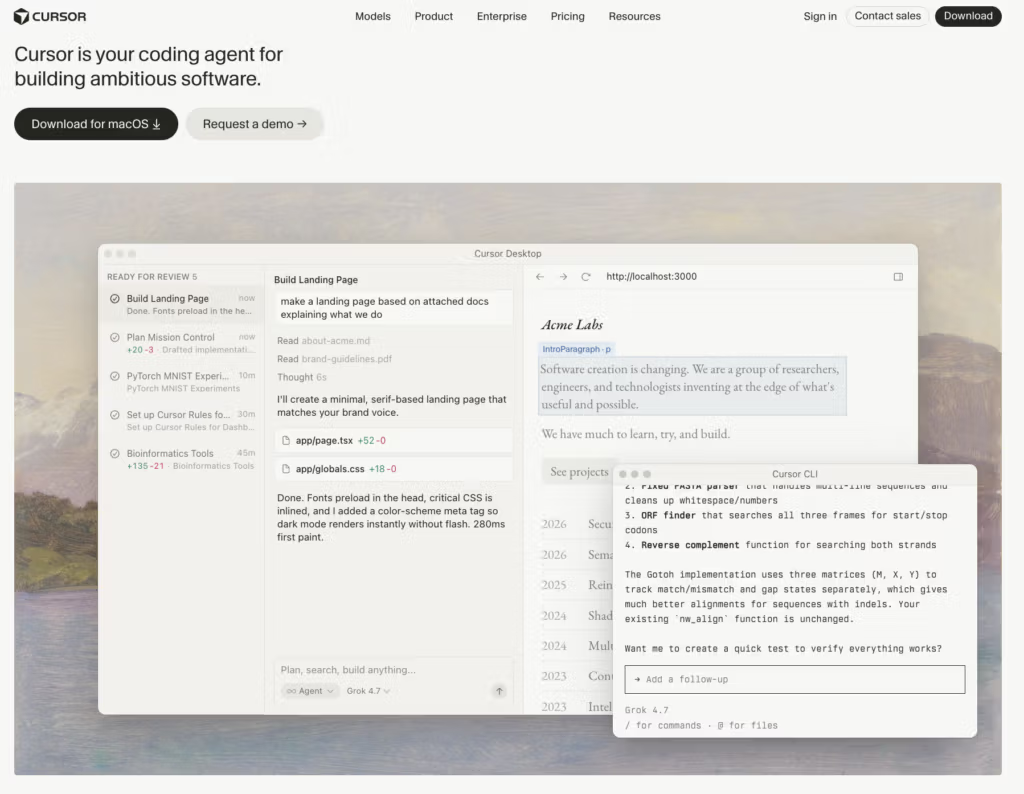
- Best for: AI-native IDE work, multi-file edits, and day-to-day development velocity
- Pricing: Free plan available, Pro starts at $20/month
- How I use it: Primary coding environment for feature work, multi-file refactors, and rapid prototyping
Cons: Can get expensive with heavy agents, higher resource use.
3. Claude Code
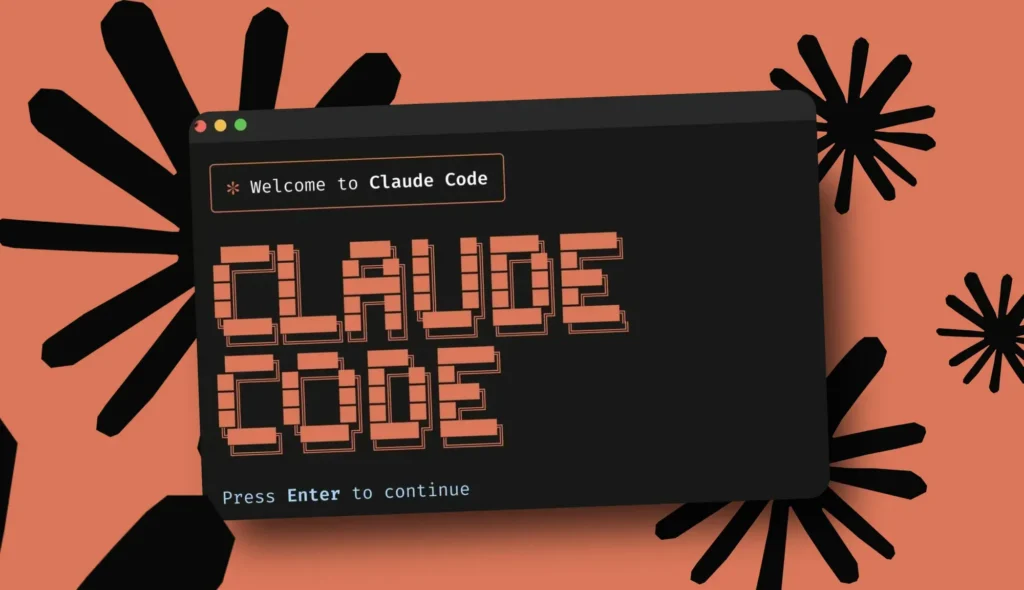
- Best for: Terminal-first autonomous coding, large refactors, and complex multi-step engineering tasks
- Pricing: Included with Claude Pro / Max
- How I use it: Big architectural changes, repo-wide refactors, writing tests, and autonomous task execution
Cons: Best with terminal comfort, usage tied to Claude limits.
4. GitHub Copilot
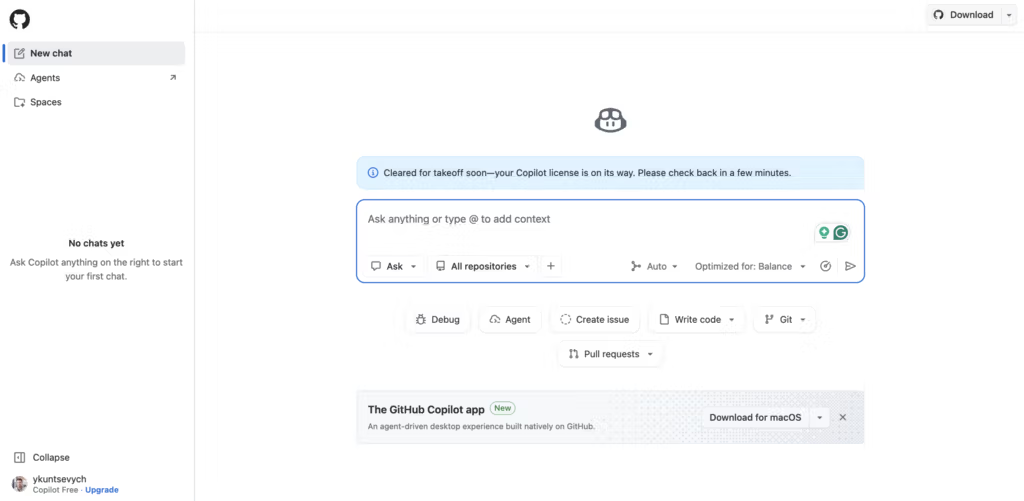
- Best for: Broad team adoption, GitHub-native workflows, and enterprise governance
- Pricing: Free tier available, Pro from ~$10/month
- How I use it: Inline completions across the org, PR summaries, and standardized AI assistance
Cons: Less agent-first than Cursor or Claude Code for some workflows.
5. Perplexity
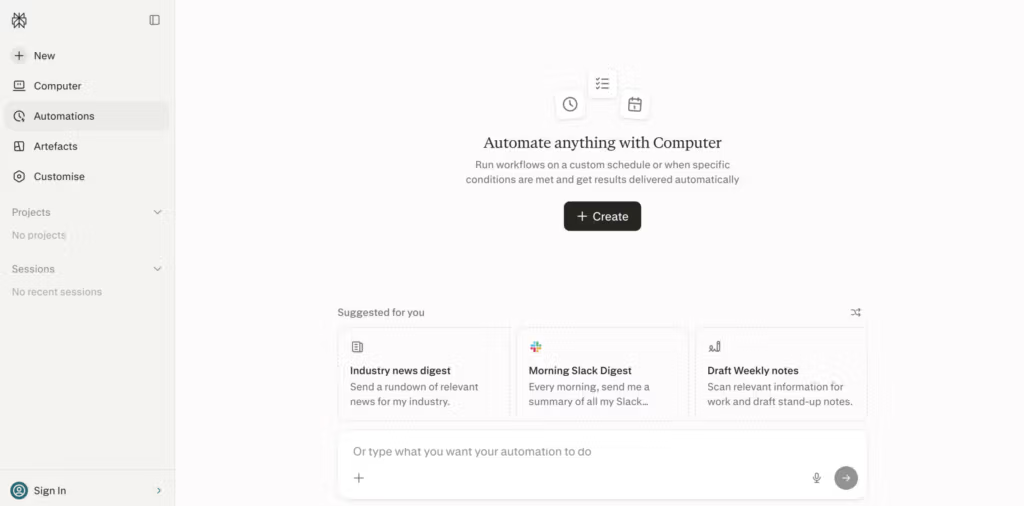
- Best for: Fast, cited research for technical decisions and competitive intelligence
- Pricing: Free plan available, Pro starts at $20/month
- How I use it: Research on libraries, architecture patterns, vendor comparisons, and market signals
Cons: Not a coding environment.
6. Google Labs / Antigravity
- Best for: Experimenting with free AI tools and Google’s agentic coding experiments
- Pricing: Free (public preview for many features)
- How I use it: Prototyping with Gemini models and evaluating free options before committing budget
Cons: Experimental — features can change or disappear.
7. n8n
- Best for: Technical automation and AI agent workflows that engineering teams control
- Pricing: Free self-hosted, cloud from ~$20/month
- How I use it: Internal tooling, incident response flows, and connecting AI agents to real systems
Cons: Requires more technical ownership.
8. CodeRabbit
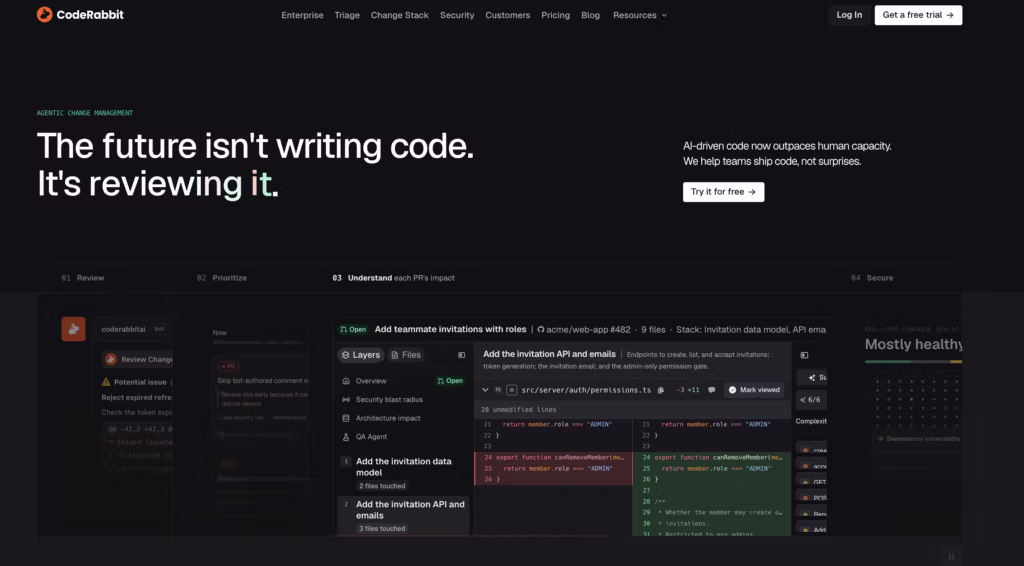
- Best for: AI-powered pull request review at scale
- Pricing: Starts around $15–30/developer/month
- How I use it: Automated first-pass PR reviews so senior engineers focus on architecture
Cons: Still needs human oversight for complex changes.
9. Warp
- Best for: Modern AI-enhanced terminal workflows
- Pricing: Free plan available, paid from ~$20/month
- How I use it: Day-to-day terminal work with smarter suggestions
Cons: Not a full coding agent by itself.
10. Linear (with AI)
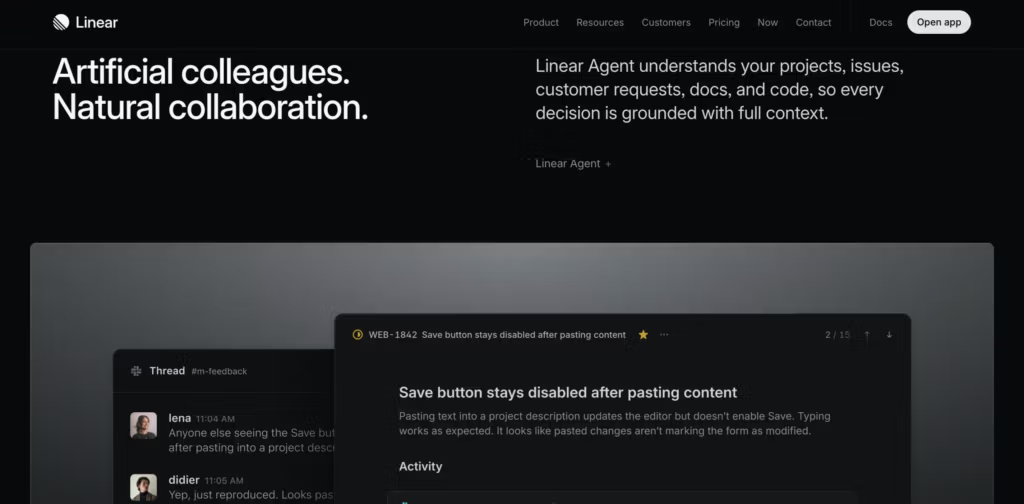
- Best for: Engineering project management and AI-assisted triage
- Pricing: Free for small teams, paid plans higher
- How I use it: Issue tracking, cycle planning, and AI summarization of work
11. v0
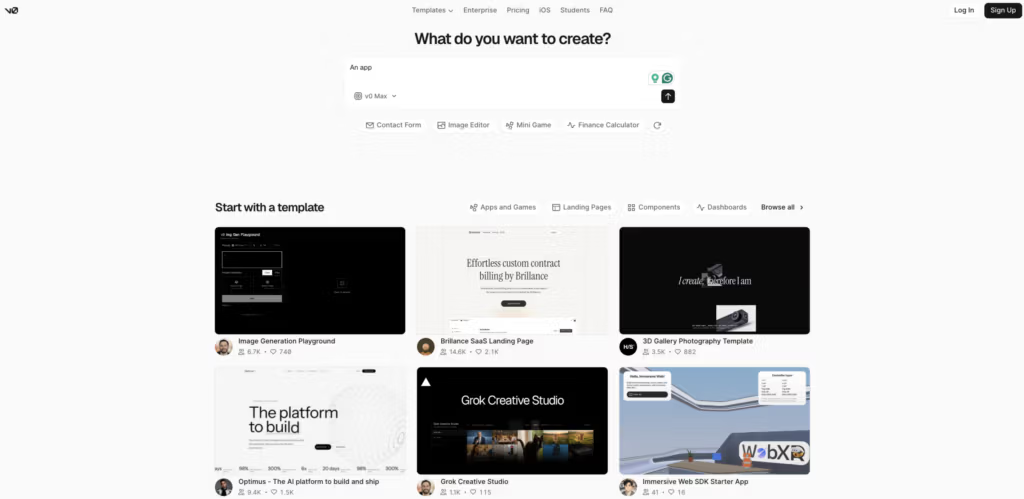
- Best for: Rapid, production-quality UI generation from prompts
- Pricing: Free tier + paid usage
- How I use it: Quick frontend prototypes and component generation
12. Lovable
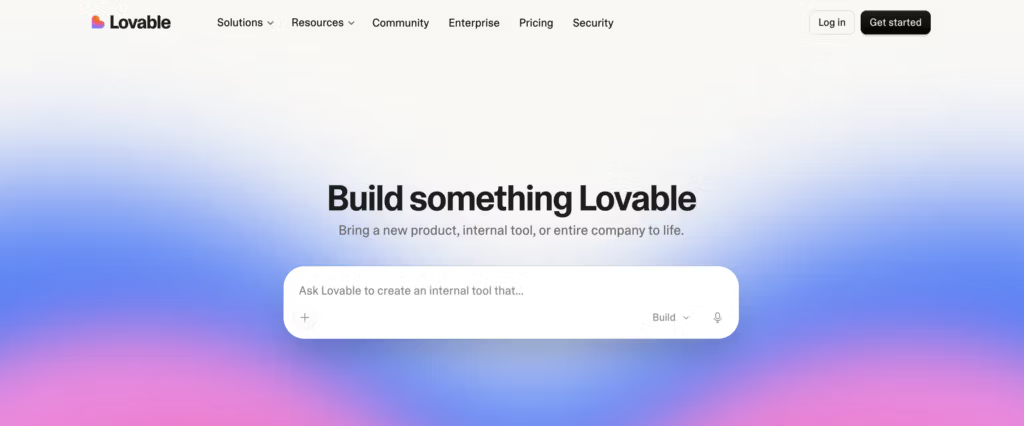
- Best for: Prompt-to-full-stack app prototypes
- Pricing: Free tier available, paid plans higher
- How I use it: Fast internal tools and MVP validation
13. Gamma
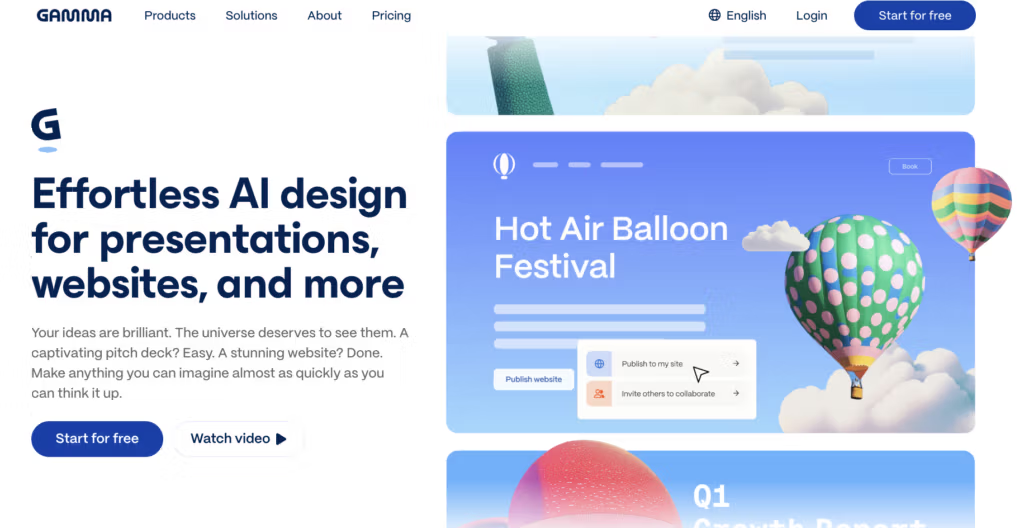
- Best for: High-quality presentations and documents for leadership communication
- Pricing: Free tier + paid
- How I use it: Board decks, technical strategy presentations, and internal updates
14. Upstaff
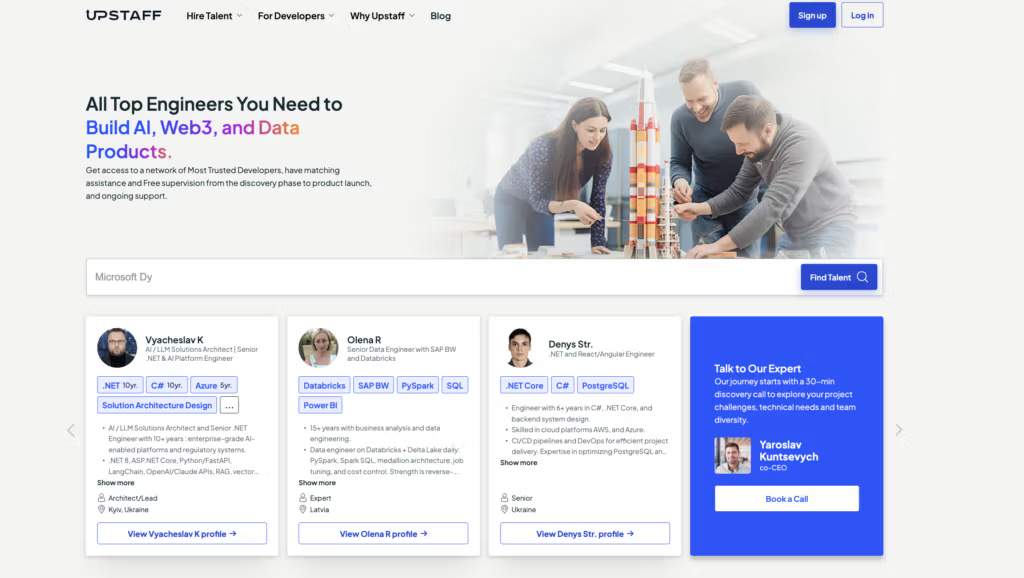
- Best for: AI-enabled matching and supervised hiring of remote engineers (AI, Web3, data, full-stack, DevOps)
- Pricing: Custom (no hidden placement fees; trial period available)
- How I use it: Fast-tracking senior and specialized engineering hires when the team needs to scale without months of recruiting
- Very fast matching (often 24–48 hours)
- Pre-vetted senior talent with strong focus on AI/ML, data, and modern stacks
- Human supervision + trial period reduces hiring risk
- Transparent pricing with no classic placement fees
- Not a self-serve marketplace — works best when you engage with their talent team
- Best suited for specialized or senior roles rather than junior volume hiring
15. Sentry (AI features)
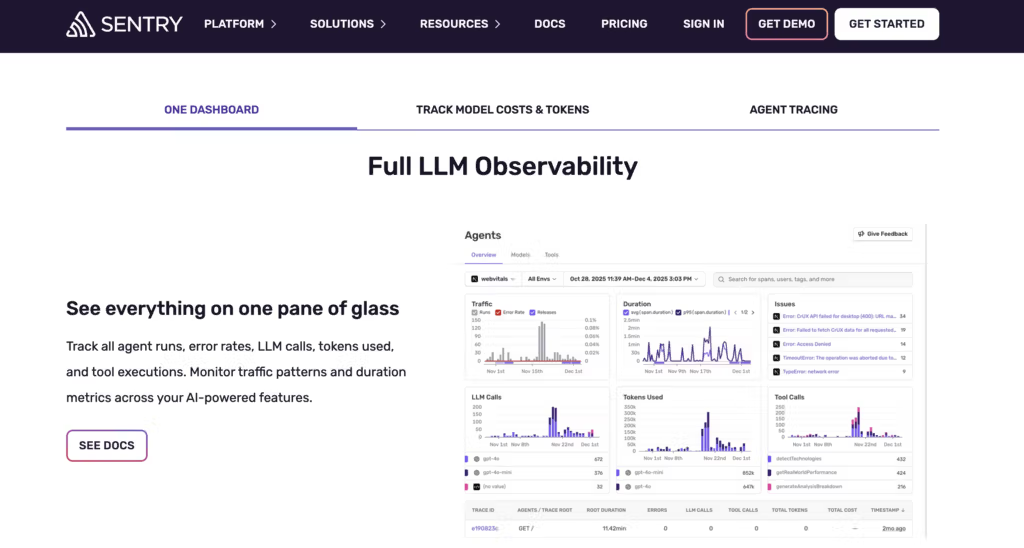
- Best for: AI-assisted error monitoring and root-cause analysis
- Pricing: Free tier available, paid plans scale with volume
- How I use it: Faster incident diagnosis and smarter alerts
16. Tabnine
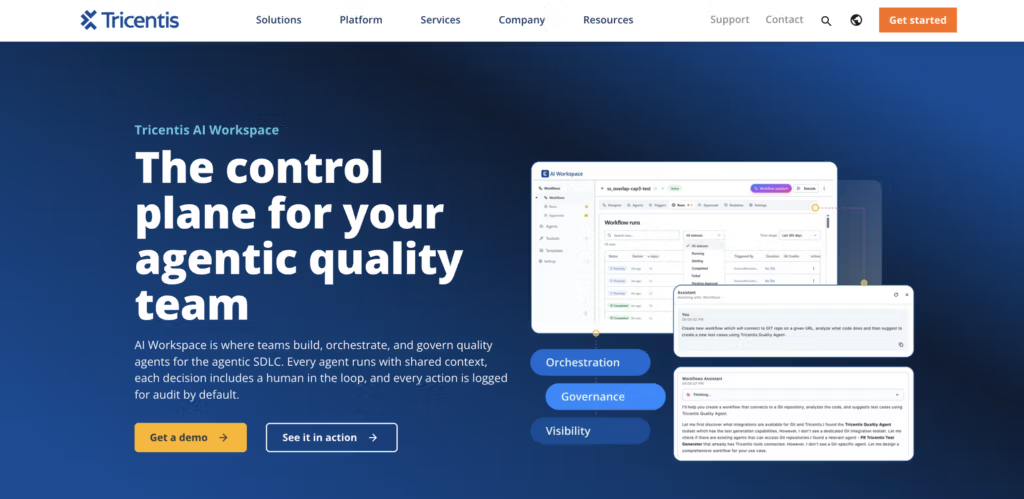
- Best for: Privacy-focused and enterprise-controlled code completion
- Pricing: Starts around $15/user/month, enterprise options
- How I use it: Teams that need strong governance or air-gapped options
Free AI tools worth trying first
If budget is a concern or you simply want to experiment before committing, start here. Google Labs (including Antigravity) is currently one of the best collections of free AI tools available — you get access to strong models, agentic experiments, and prototyping environments at no cost. Claude’s free plan, Cursor’s free tier, Perplexity’s free searches, and GitHub Copilot’s free allowances also deliver real value. These free AI tools are more than demos; many engineers and leaders use them daily before upgrading.Final thoughts
If you are looking for what is the best AI, or just the best free AI, it really depends on what you need it for. But if I had to pick one starting point for most technical leaders and developers, I would say Claude paired with Cursor or Claude Code. The free plan on several of these tools is already useful, and Google Labs remains the clearest collection of free AI tools for experimentation. At the end of the day, the best AI to use is the one that earns a permanent spot in your workflow. The best AI tools are the ones you actually keep using after the first week. I have tested over 70 of them and most I never opened again. These 16 are the ones that save real time for CEOs making decisions, CTOs owning delivery and architecture, and developers shipping production software. The best AI tools — and the most popular AI tools among serious technical teams — are the ones that reduce friction in the actual work of building and leading technology organizations.FAQ
What are the best AI tools for developers in 2026?

The best AI tools for developers right now are Cursor for day-to-day coding, Claude Code for larger autonomous tasks, and GitHub Copilot for team-wide adoption. Pair any of these with Claude for deeper reasoning and architecture work.
What are the best AI tools for CTOs and engineering leaders?
CTOs get the most value from Claude (for strategy and architecture), GitHub Copilot or Cursor (for team standards), CodeRabbit (for review load), n8n (for internal automation), and Linear (for project visibility). These tools reduce friction across delivery, quality, and decision-making.
Which free AI tools are actually worth using?
Google Labs (including Antigravity) is currently one of the strongest collections of free AI tools. Claude’s free plan, Cursor’s free tier, Perplexity’s free searches, and GitHub Copilot’s free allowances also deliver real daily value before you need to upgrade.
Is there one best AI tool overall?
No single tool wins for every role. Claude is the strongest all-around assistant for technical leadership. Cursor or Claude Code are the top picks for hands-on developers. The best AI tools are the ones that stay in your workflow after the first week.
How do I choose between Cursor, Claude Code, and GitHub Copilot?
- Choose Cursor if you want a full AI-native IDE.
- Choose Claude Code if you prefer terminal-first autonomous work.
- Choose GitHub Copilot if you need easy team rollout and strong GitHub integration.
Many teams use two of them together.
Are these AI tools safe for enterprise use?
Most of the tools listed offer enterprise plans with admin controls, SSO, audit logs, and data privacy options. For highly regulated environments, Tabnine and self-hosted n8n are particularly strong choices.
How can CEOs and CTOs hire remote engineers faster in 2026?
Traditional recruiting is still slow. Platforms like Upstaff use AI matching combined with human supervision to surface pre-vetted remote engineers (especially AI, data, and full-stack) in 24–48 hours, with a trial period so you can validate the fit before fully committing.

Table of Contents
- What is an AI app?
- How I chose the AI apps on this list
- Quick comparison table
- 16 best AI apps and tools in 2026 (free + paid)
- 1. Claude
- 2. Cursor
- 3. Claude Code
- 4. GitHub Copilot
- 5. Perplexity
- 6. Google Labs / Antigravity
- 7. n8n
- 8. CodeRabbit
- 9. Warp
- 10. Linear (with AI)
- 11. v0
- 12. Lovable
- 13. Gamma
- 14. Upstaff
- 15. Sentry (AI features)
- 16. Tabnine
- Free AI tools worth trying first
- Final thoughts
- FAQ
Popular

Popular
Recent
Talk to Our Expert
Our journey starts with a 30-min discovery call to explore your project challenges, technical needs and team diversity.

Yaroslav Kuntsevych
co-CEO